
When you need it
Most foreign arrivals complete a TDAC before entering Thailand — typically within 72 hours (3 days) of arrival. It is a Thai entry declaration, not a visa.

Most foreign arrivals complete a TDAC before entering Thailand — typically within 72 hours (3 days) of arrival. It is a Thai entry declaration, not a visa.
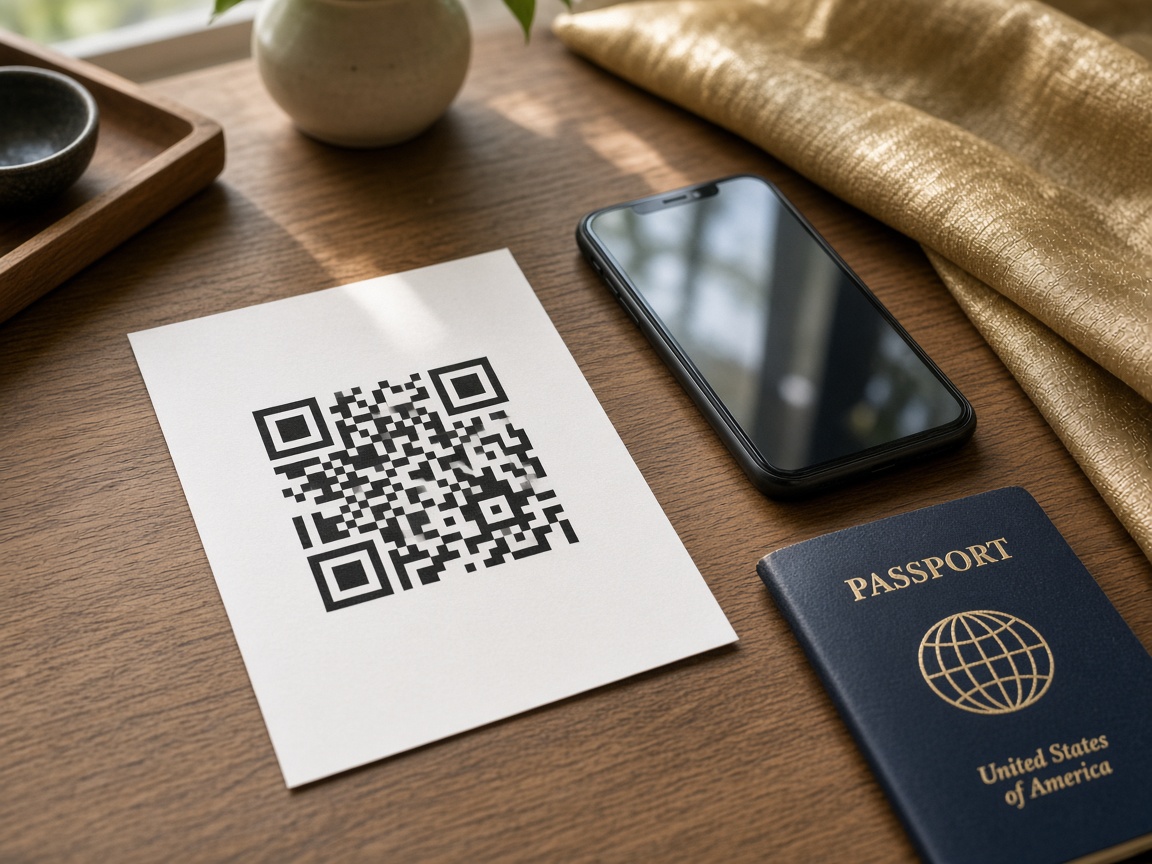
After the form is submitted you receive a confirmation with a QR code. Keep it on your phone or print it and show it at immigration.
Passport details, arrival flight, address in Thailand, a short health declaration, and contact information.
The official government form is at tdac.immigration.go.th.
Most foreign (non-Thai) arrivals by air, land or sea complete a TDAC. It is not a visa. Thai citizens generally do not use TDAC. Transit without immigration clearance is usually exempt. This is a traveler explainer, not a government list.
No countries match that search.
The three boxes above are the short version. The rest of this page is a traveler article: how people actually file a Thailand Digital Arrival Card, what tends to stall a booth check, and who should hold a QR confirmation. It is unofficial guidance on educate-migrate.com — not a Thai government circular. The live official form stays on tdac.immigration.go.th and does not charge a government fee for the card.
There are two honest paths. File yourself on the Immigration Bureau portal, or pay this site to review what you type and submit it on that same government website. Either path needs the same facts on the desk: the passport you will hand over, the ticket for the last vehicle into Thailand, and a stay address a person could find on a map.
Most travelers start inside a 72-hour window — three days counting the arrival date, in the wording used on official manuals. Filing on the same calendar day still happens. Filing from the jet bridge with 4% battery is how queues grow. Do not try to send the card weeks early if the portal will reject the date; wait until the window is open.
Treat every traveler as a separate card. A parent’s confirmation does not cover a child, including an infant in arms. Dual nationals should fill the document they will actually present at the booth, not the passport sitting in a drawer. Use Latin letters as printed in the machine-readable zone, not a nickname and not a local-script spelling the officer cannot match.
After a successful submit you get a confirmation with a QR code. Save the email, take a screenshot you can open in airplane mode, or print a page. If the first hotel changes, official pages allow an update on the same portal before you land. At the booth you show the QR with the passport — the officer still decides entry.
Whether you use the free official portal or the assistance form on this site, the fields follow the same story. Have the passport in front of you. Use the Latin spelling printed in the machine-readable zone, not a nickname. The notes below are a guide, not a second application.
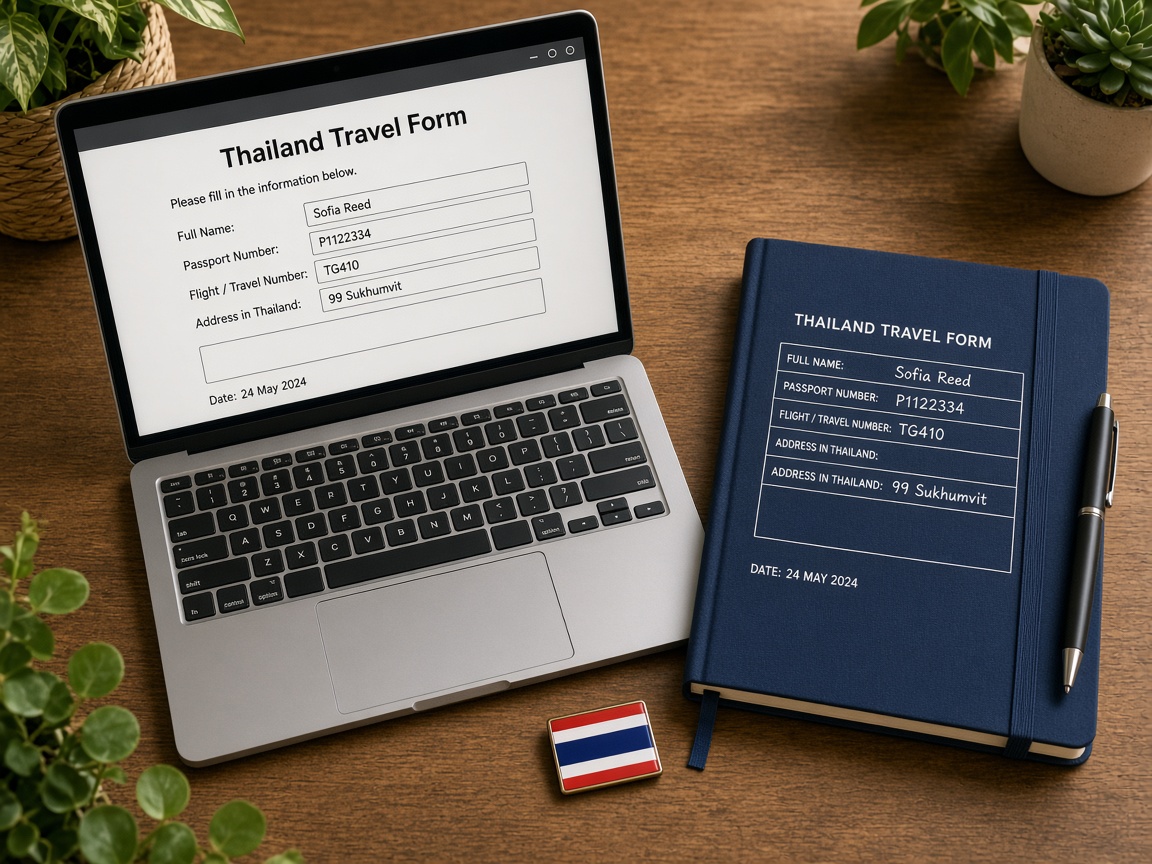
Family name, given names, middle name if it is on the passport, number, nationality, date of birth, sex, occupation, and country of residence. Match the passport exactly. A missing middle name or a swapped family name is the usual reason a booth check stalls.
Arrival date in Thailand, purpose of travel, mode of transport, and flight or vehicle number. If you are on a codeshare, use the operating flight printed on the boarding pass you will hold at immigration. Add the planned departure date and how you leave.
Type of stay and a real address in Thailand — hotel name and street, apartment, or the house of the person hosting you. “Bangkok” alone is not an address. Transit passengers who will not pass immigration say so and skip a hotel. If your first night changes, update the card before you land.
The digital card absorbed a short public-health declaration that used to sit on paper. Answer the questions as they appear. This is not a medical visa and not a substitute for insurance. If a question is unclear, read the official help text rather than guessing.
Read the summary before you pay or submit. Check dates against the ticket, the passport number character by character, and the hotel spelling. A preview screen exists so you catch the error, not the officer.
Give an inbox you can open on the plane. The confirmation and QR go there. Download or screenshot them. If you use assistance on this site, we review the file and submit it on the official website; you still need that email working.
You can file yourself at no government fee on tdac.immigration.go.th. The button at the top of this page starts unofficial paid help on educate-migrate.com. It is not Thai Immigration.
A completed card is a declaration, not a shortcut. The mistakes below are the ones that waste time at Suvarnabhumi, Don Mueang, Phuket, Chiang Mai, and at land posts the same way.
Foreign (non-Thai) nationals who will pass Thai immigration — by air, land, or sea — are the people official pages describe as completing a TDAC. Tourists on visa exemption, visitors with a visa already in the passport, and many long-term residents traveling on a foreign passport sit in that bucket. Thai citizens generally do not use this card.
At the counter, each person shows their own confirmation with their own passport. A family of four is four QR codes, not one screenshot passed down the row. Children and infants are travelers. A group leader cannot “cover” the others with a single email.
Land and sea arrivals follow the same story if you will be stamped in: a bus from Malaysia, a train to Padang Besar, a minivan to Aranyaprathet, a ferry to a Thai island that processes foreign passports. Transit passengers who never leave the international area, and some border-pass entries, are the usual exceptions described on government pages.
If your case is unusual — crew, diplomatic passport, a same-day connection that never clears immigration — read the live official help or ask the carrier desk. A blog, including this one, is not a stamp. Keep the QR until you have passed the officer; some travelers also keep a copy until they leave, the way people used to keep the paper stub.
Thailand’s Immigration Bureau launched the Thailand Digital Arrival Card on 1 May 2025. From that date the electronic form replaced the paper embarkation card that foreign passengers used to fill in on the plane or at the counter. Thai government notices and embassy pages published the same start date in April 2025.
The change is part of a wider move to collect arrival data before the passenger reaches the booth. Rules can still be updated. Treat this page as a traveler explainer, not a government circular. The live official portal is tdac.immigration.go.th.

TDAC is an arrival declaration for foreign (non-Thai) nationals entering the Kingdom. It applies whether you arrive by air, land, or sea. Tourists, business visitors, and many long-term residents with foreign passports are in the same bucket: you complete the card before you present yourself to an immigration officer.
It is not a visa, not an e-visa, and not an “approval.” Completing it does not decide whether you may enter. A Thai officer at the airport, land border, or seaport still checks your passport, asks questions if they need to, and can refuse entry. Transit passengers who never pass immigration, and people entering on a border pass, are the usual exceptions described on official pages.
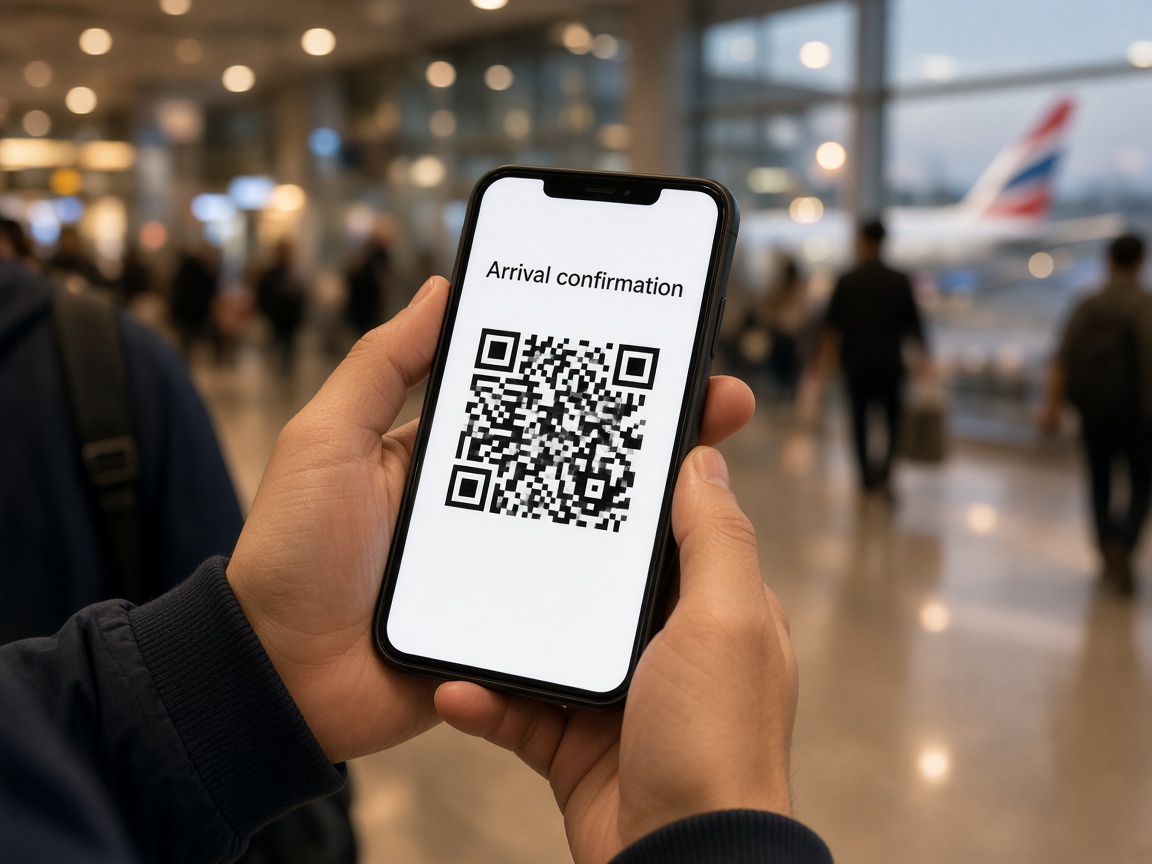
Before TDAC, most foreign arrivals filled a paper TM.6 (sometimes written TM6) — the blue-and-white embarkation/disembarkation card handed out in the cabin or at the desk. You wrote name, passport number, flight, and address in Thailand in capital letters, tore a stub, and kept it until you left.
The digital card is the same kind of document: a declaration, not a permit. The difference is timing and format. You send the data in the days before arrival instead of leaning on a tray table. Immigration still wants a readable stay address and a way to reach you. Paper stock at the gate is no longer the normal path.
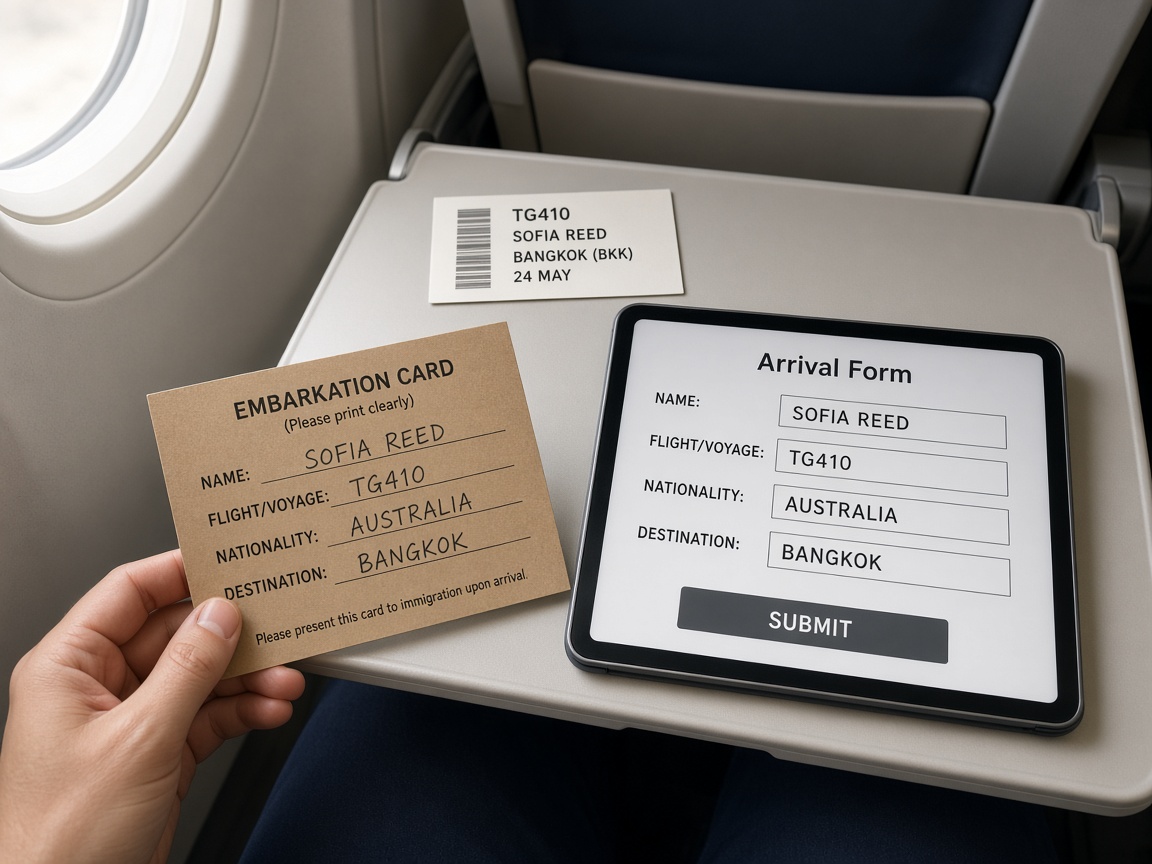
You complete the form in the 72-hour window before you arrive — “three days in advance,” including the arrival date, in the wording used on the official manual. Same-day filing is often still accepted, but leaving it to the jet bridge is how people queue with a dying phone. After a successful submit you get a confirmation with a QR code. Save the email, keep a screenshot, or print a page.
At the booth you show the QR with your passport. The officer scans or reads it, then decides entry. If your hotel changed, official guidance allows an update on the same portal before you land. This site is unofficial paid assistance: we review what you type and submit it on the government website. We are not the Immigration Bureau of Thailand and not the Department of Home Affairs.
No. It is an arrival declaration. Completing it does not decide whether you may enter. An officer at the airport, land border, or seaport still checks the passport and can refuse entry.
Yes. The government portal at tdac.immigration.go.th does not charge a government fee for the card. Assistance on this website is unofficial and paid. You do not have to use it.
Inside the three days before you arrive, including the arrival date. Same-day filing is often still accepted. Do not leave it until you cannot open email. If the portal will not take a date weeks in the future, wait until the window opens.
Yes. Each traveler who will pass immigration usually needs their own confirmation, including infants. A parent’s QR is not a family ticket.
Your passport plus the QR confirmation — on the phone with the screen bright, or a printout. Keep an offline copy. The officer scans or reads it, then decides entry.
Official guidance allows an update on the same government portal before you land. Do not wait until the booth to explain a different first-night address if you can still edit the card.